Set up your first rule, step by step
This is the whole setup, in order, with the screen you'll be looking at for each step. In about five minutes, you can preview a rule on your own comments and turn it on. Its first live action comes when a new matching comment arrives and is synced.
1. You are signed in. Here is the quick tour.
Signing in was the whole setup. CommentShark starts loading your recent comments into the Comments tab, so you have real material to build rules against, and it keeps checking for new ones in the background. Rules, on the Rules tab, are where you tell it what to do with them. Everything else in the nav (Analytics and Viewers) reports on what happened.
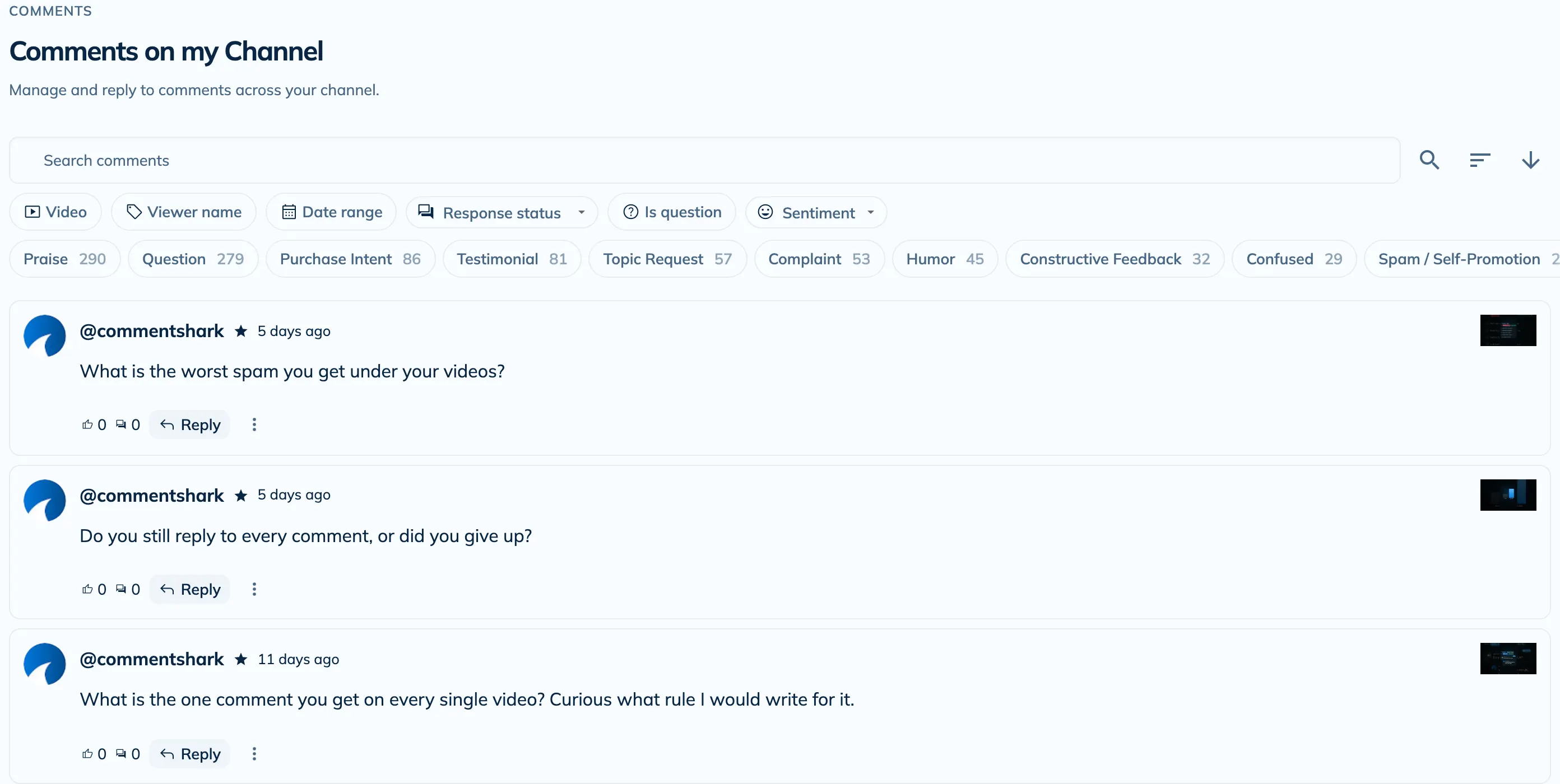
- Up to 2,000 recent comments are loaded after first sign-in. If they are still arriving, you can type an example in the tester.
- After that we check for new comments every 30 minutes on paid plans and every 2 hours on the free plan.
- Nothing gets replied to, hidden, or deleted until you build a rule yourself. Until then it only reads.
2. Write your Channel Context (optional, but do it)
You can skip this and everything still works. It is worth the minute anyway. Channel Context is a short description of your channel, your audience, and how you talk to them, and every AI reply reads it before writing a word. It is the difference between a reply that sounds like you and one that sounds like a chatbot. Available on every plan, free included.
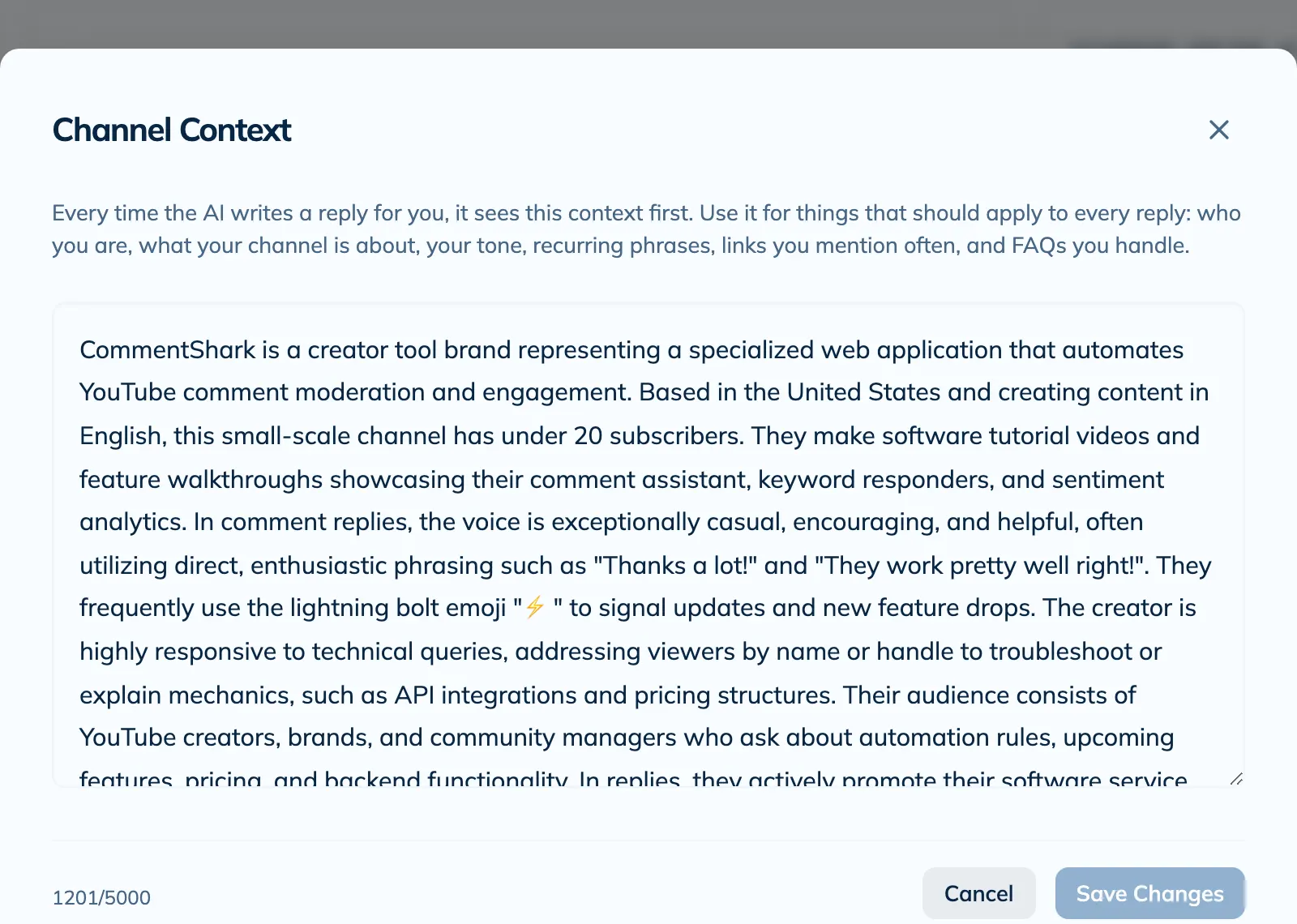
- Say what your channel is about, who watches, and what you sell or link to.
- Add the things you always end up repeating: your program name, your booking link, the question you get weekly.
- Mention your tone. Short and dry, warm and chatty, first name only, no emojis, whatever is true.
3. Open the rule editor
Go to the Rules tab and click New rule. Give it a name you will recognise later, like "Course questions" or "Spam sweep". That name is what shows up next to every action the rule takes, so pick something you can scan.


4. Fill in the sentence
A rule is one sentence with clickable chips in it. Click a chip, pick an option or type a value, and the sentence updates to say exactly what the rule will do. There are no wizard steps and nothing is hidden in a settings panel: what the sentence says is what runs.
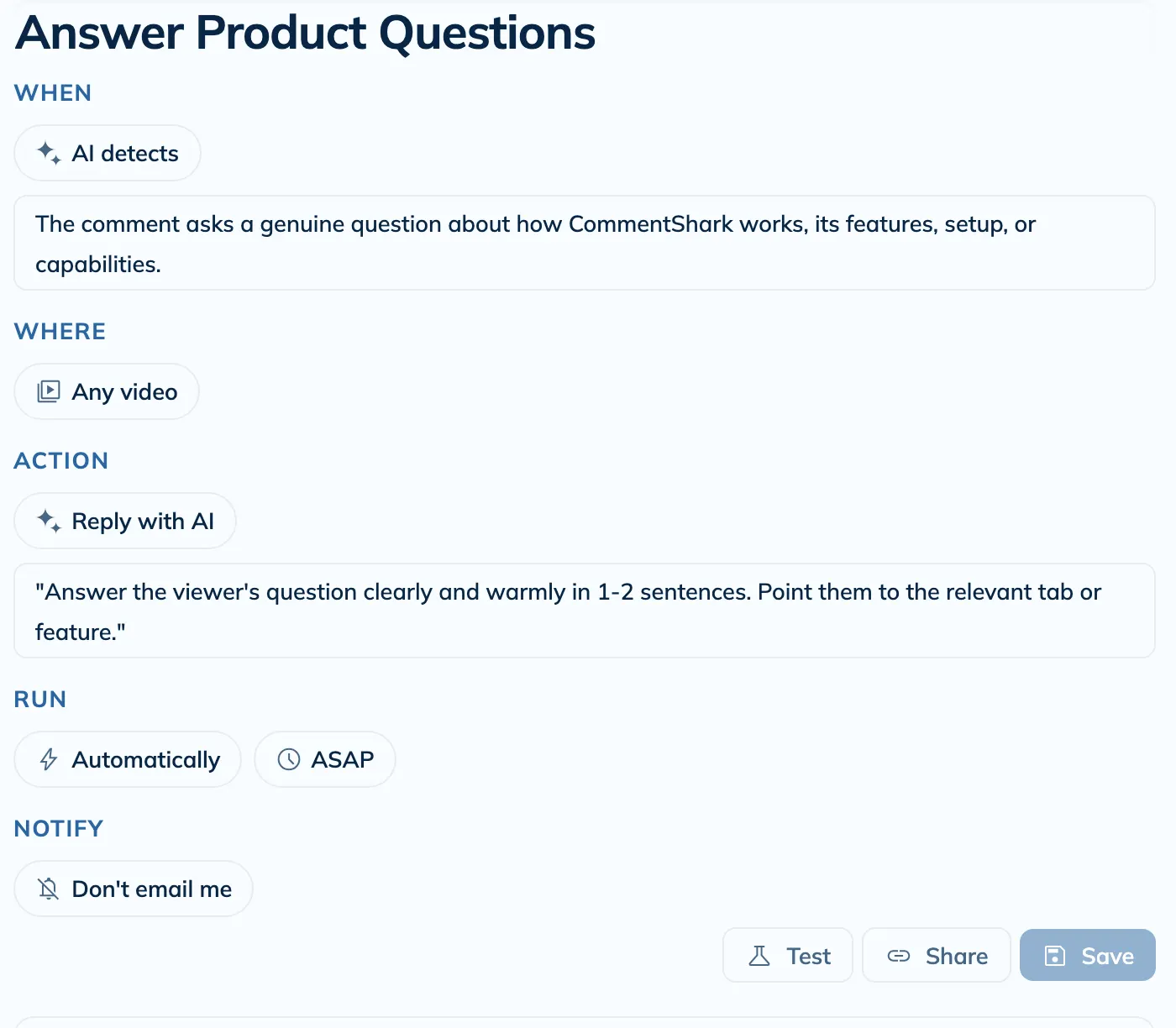
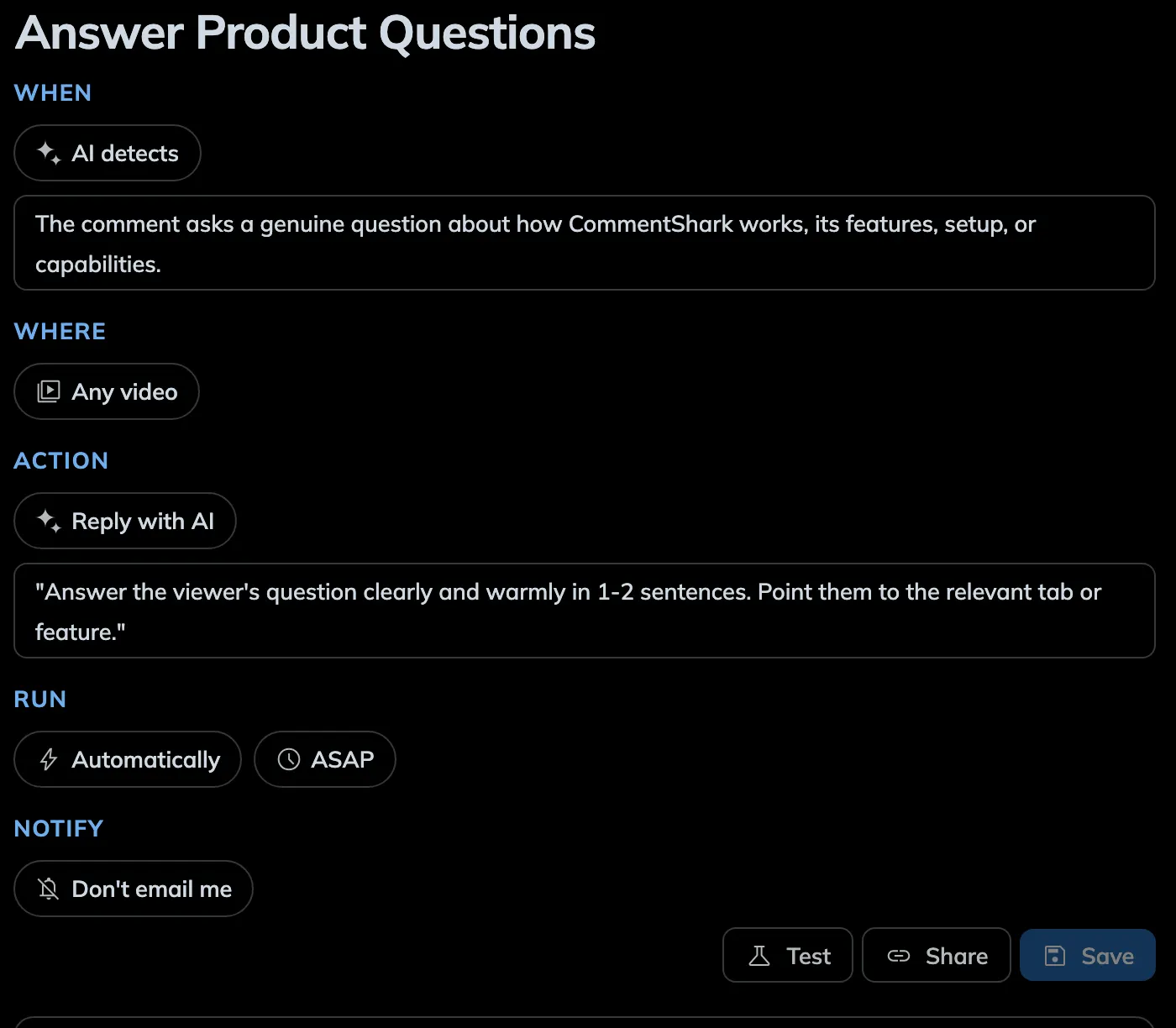
There are five slots in the sentence. Here is what each one is asking you.
- When
Keyword match - How a comment qualifies. Keyword match, Starts with, Exact match, Regex match, Any comment, or AI detects, where you describe the kind of comment in plain English and the AI decides. Use a keyword when you can write down the exact words. Use AI when you are describing an idea, like someone asking whether your course suits their situation.
- Where
Any video - Which videos the rule watches. Any video, including uploads that don't exist yet, or a specific list, which is what you want for a launch or a giveaway.
- Action
Reply with AI - What happens on a match. Reply with a template (the same message every time), Reply with AI (a fresh reply per comment, written from your instructions plus your Channel Context), Hold for review (hides the comment from your video and holds it in your YouTube Studio review queue), Delete the comment (permanent, needs write permission), or Notify me by email (no action on the comment, just a heads-up).
- Run
Automatically · ASAP - Whether it runs on its own or waits for you, and whether it acts as soon as it sees the comment or after a delay you set. Choose After approval when you want to review an action before it runs.
- Notify
Don't email me - Whether you get an email each time this rule fires. Useful while you are still tuning a rule, noisy once it is settled.
Three rules for great rules
Most rules that quietly do nothing fail for one of three reasons. Sidestep them and your rules pull their weight from day one.
Match unique words, not common ones
Common words fire on everything, so you get false positives, or the real matches get buried in noise. Match the distinctive word instead.
- link
- help
- price
- Your product or opt-in name: “ToneForge”, “RESET”, your course title
- For “where’s the link?” comments, match the product name, not the word “link”
Listing options in a Keyword match? Separate them with commas: “camera, lens, tripod” matches a comment containing any one of them, where “camera lens tripod” only matches that exact phrase.
For AI rules, describe intent precisely, including what to exclude
Vague descriptions match everything or nothing. Name the topic, then give the boundary.
- “questions”
- “negative comments”
- “Comments asking which specific camera, lens, or mic I use to film, not general software or how-to questions”
Start cautious: test it, then run it on approval first
You don’t have to trust a new rule blind. Prove it, then ease into automation.
- Test with a few real comments before enabling: you see the match and the exact reply, and nothing posts to YouTube
- Set new rules to “After I approve” for the first week; approve, skip, and tweak from your inbox, then switch to “Automatically” once you trust it
5. Test it before anyone sees it
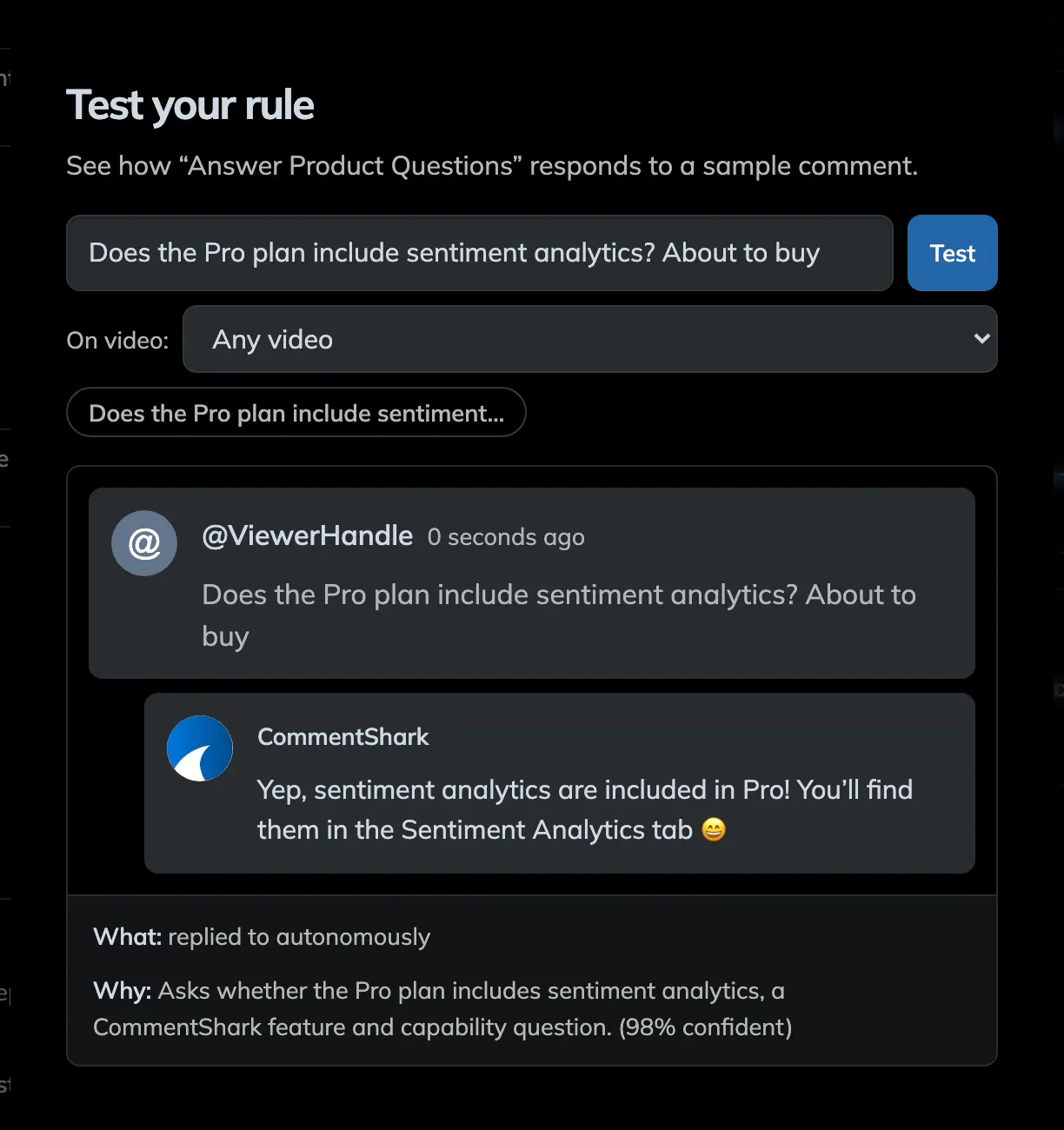
Hit Test in the editor and pick one of your recent comments, or type your own example. Choosing a comment carries its author and video into the preview. You get the verdict, the reason behind it with a confidence score, and the exact reply that would have been sent. Nothing reaches YouTube from the tester. It previews the text as a new comment; it does not act on the original. Your last few test comments are kept as chips so you can re-run them after a change.
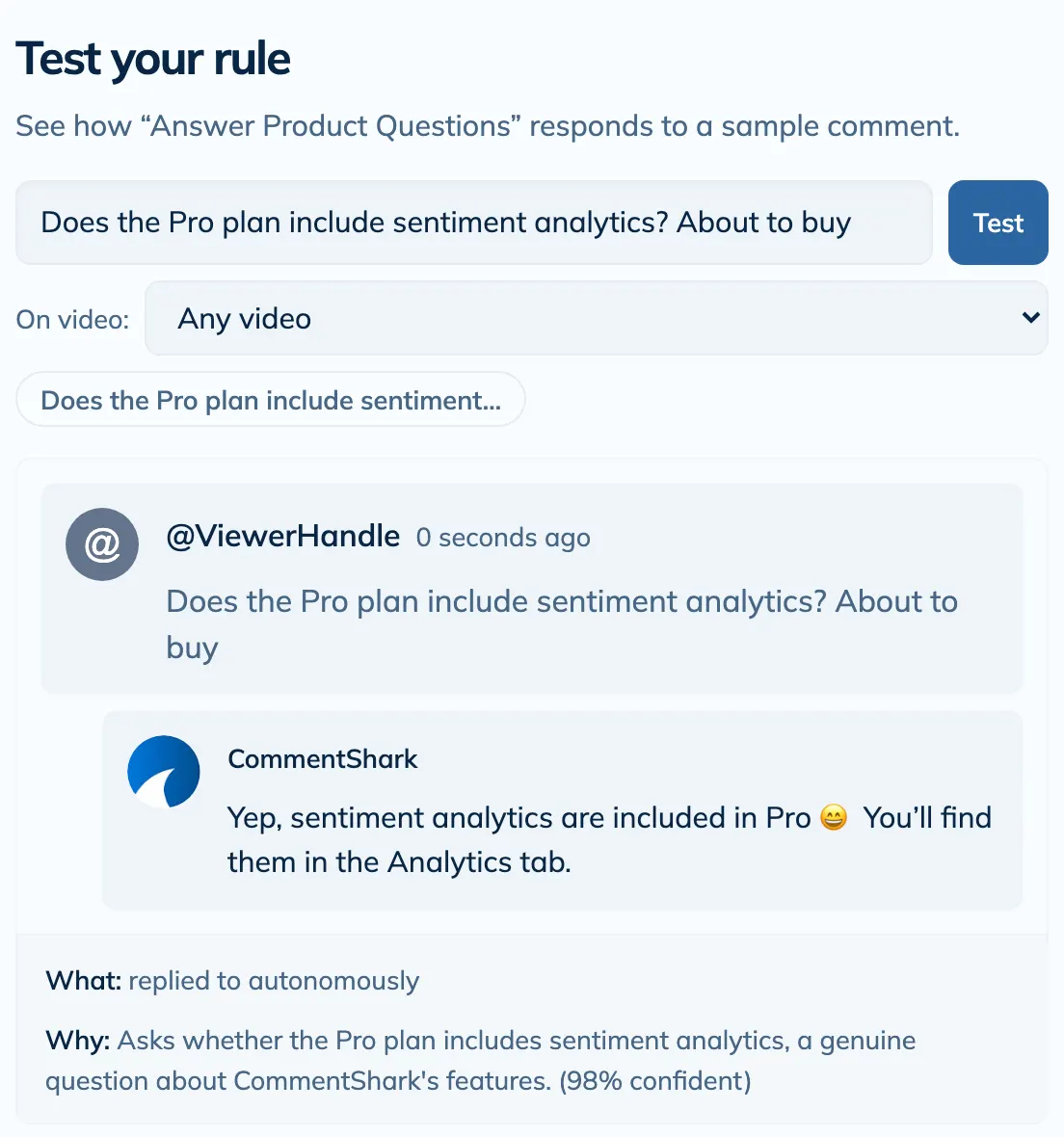
- Test one comment you want it to catch, and one you want it to ignore. The second one is the test that finds mistakes.
- If a match is wrong, close the tester, change one chip, and test again.
- Test all rules, in the three-dot menu on the Rules tab, runs the same check against every active rule at once. That is how you catch two rules fighting over the same comment.
6. Create it. It is live from that moment.
Create saves the rule and switches it on straight away. It only ever applies to comments that arrive from now on, so nothing fires retroactively on your back catalogue. Every rule card has an Active toggle, so you can pause one at any time without deleting it.
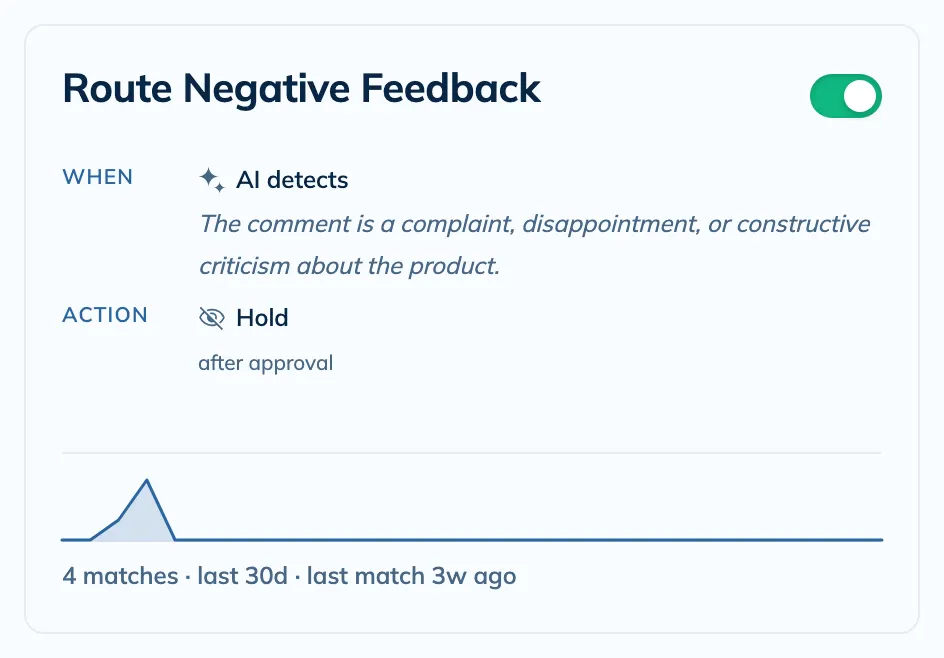
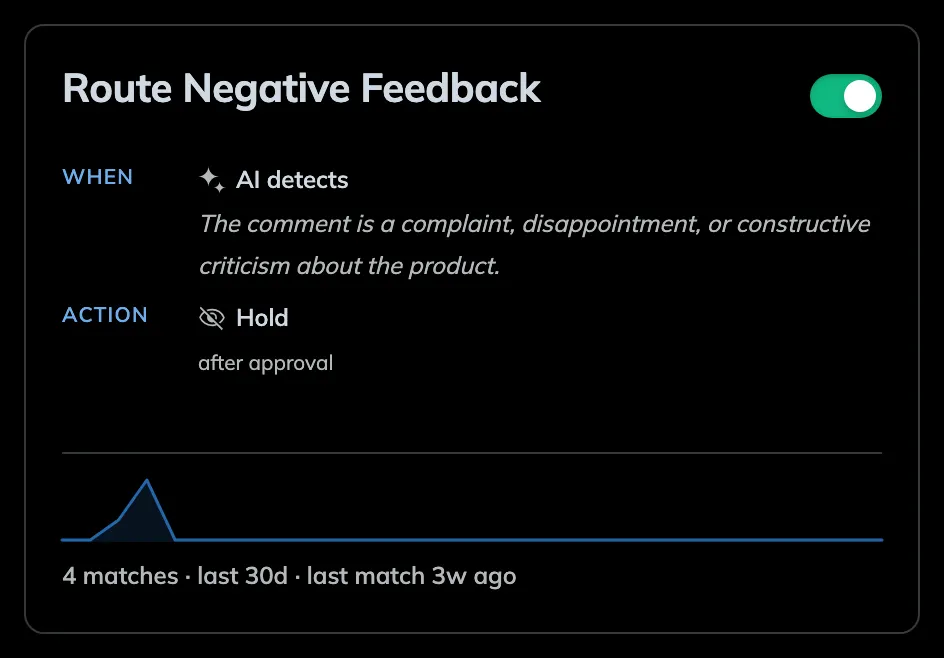
- Once a matching comment comes in, the action runs about 15 minutes later on a paid plan, on average. On the free plan it runs at the next check, which comes every 2 hours.
- The card shows how many comments the rule has matched, so a rule sitting at zero after a few days is telling you something.
- Want the rule to cover older comments too? Replay rules, in the same three-dot menu, runs your current rules against a past video or date range. It is a paid-plan feature.
7. Approve the first few
If you set the rule to run after approval, matched comments queue up instead of posting. The bell in the top bar carries the count. Click it, then click the pending approvals row, and you get the original comment next to the drafted reply, with the reply editable before it goes out.
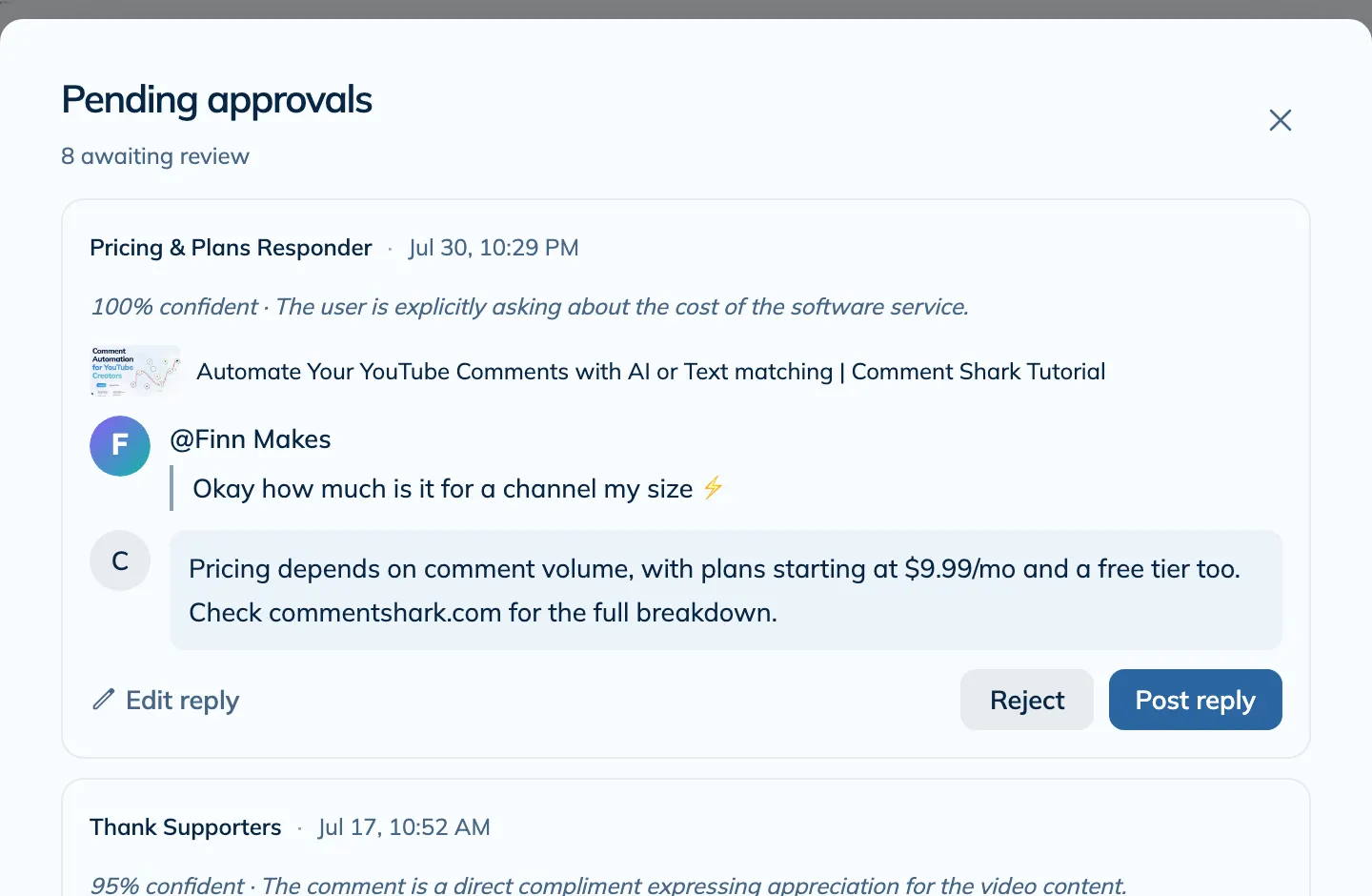
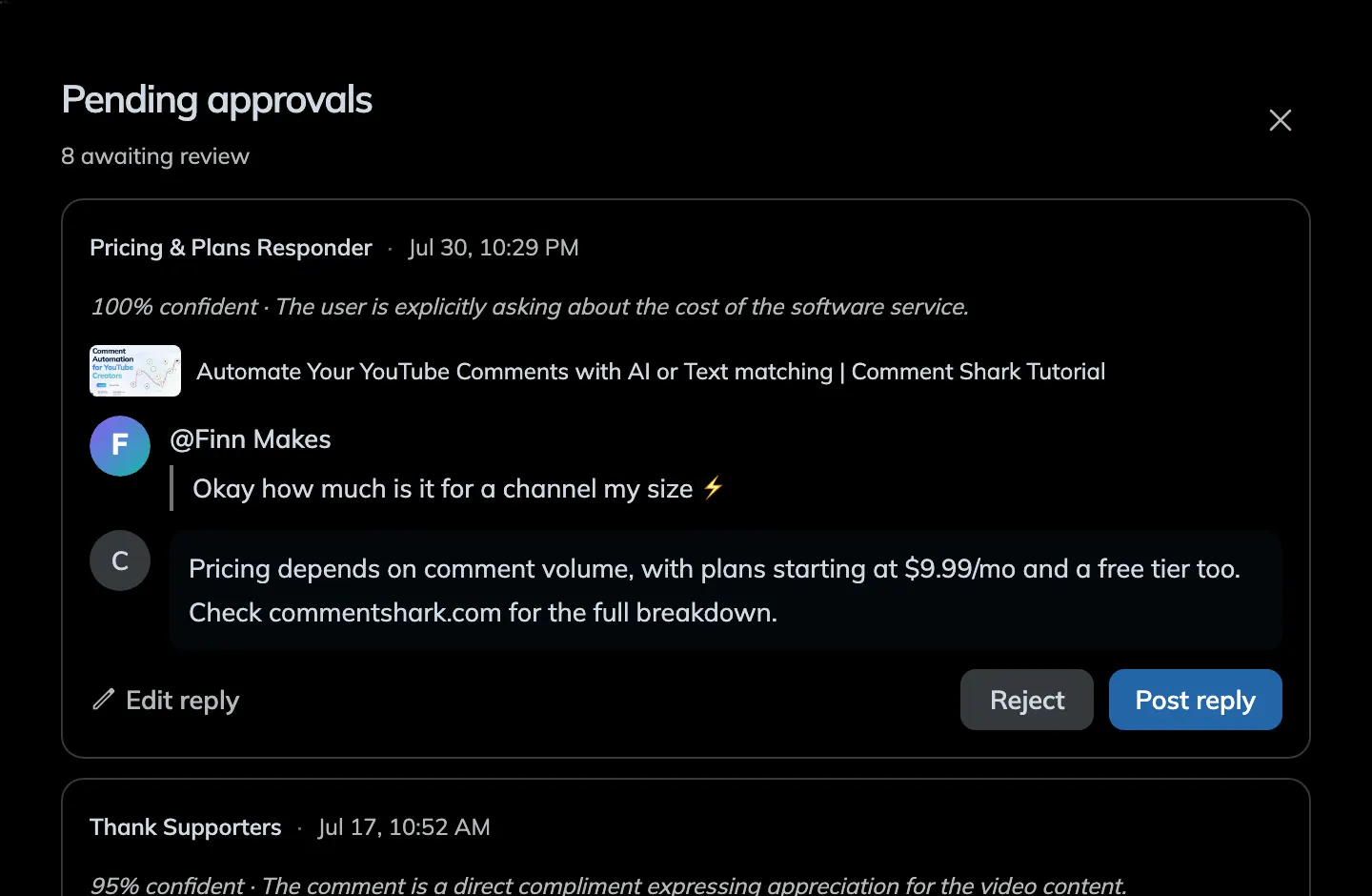
- Post reply sends it to YouTube. Reject drops it and nothing is posted.
- Edit reply first if it is close but not quite right. Those edits are the fastest way to learn what belongs in your rule instructions.
- Set the rule's notify chip to email you each time and you can approve straight from your inbox without opening the dashboard.
8. Reply by hand where it matters
Automation is for the repetitive half. The Comments tab is where you do the other half. Every synced comment is listed, filterable by video, date, sentiment, question, and intent tag, and Reply opens a composer that posts to YouTube as your channel.
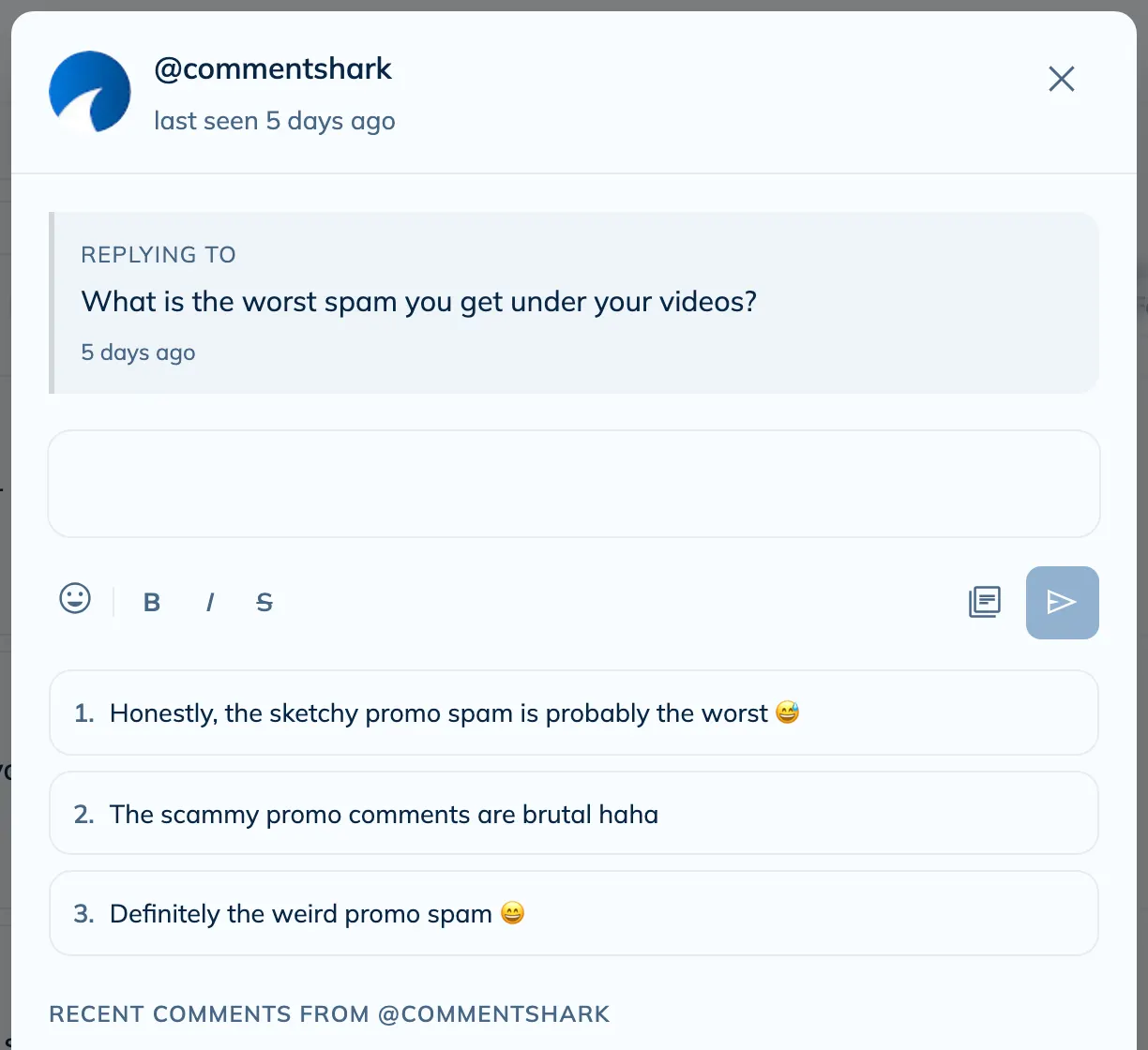
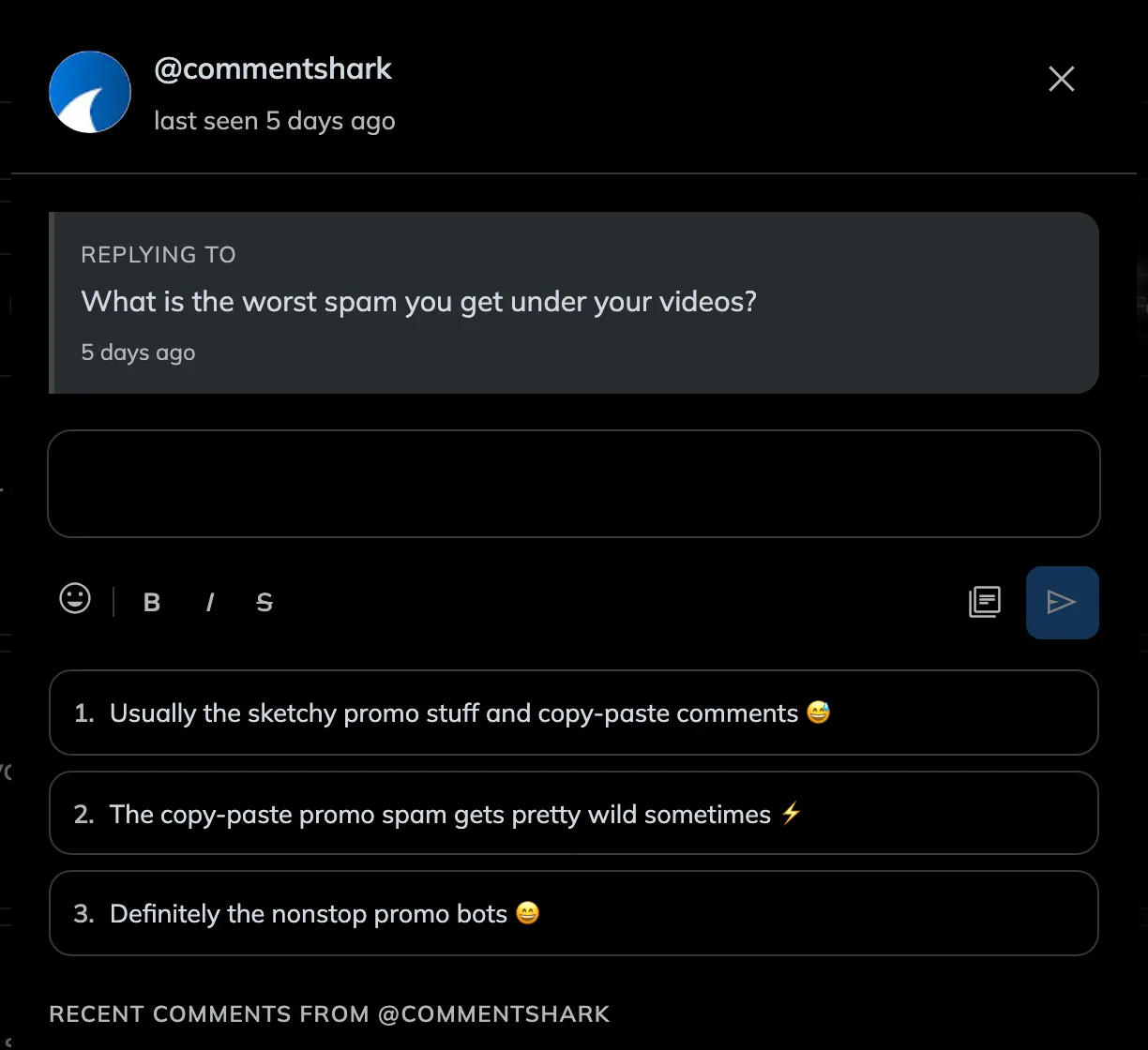
- The composer suggests three drafts in your voice. Click one to load it, edit it, or ignore them and write your own.
- It also shows that viewer's recent comments on your channel, so you know whether you are talking to a regular. Rules never touch a thread you have already replied to, so replying by hand quietly takes that comment off the automation's list.
9. Check what actually ran
Activity, the button next to New rule, is the receipt for everything. It opens a dated timeline of every decision made on your channel, with counts across the top: replies, moderations, deletions, skipped, awaiting approval, and failed. When a rule behaves in a way you did not expect, this is what tells you why.
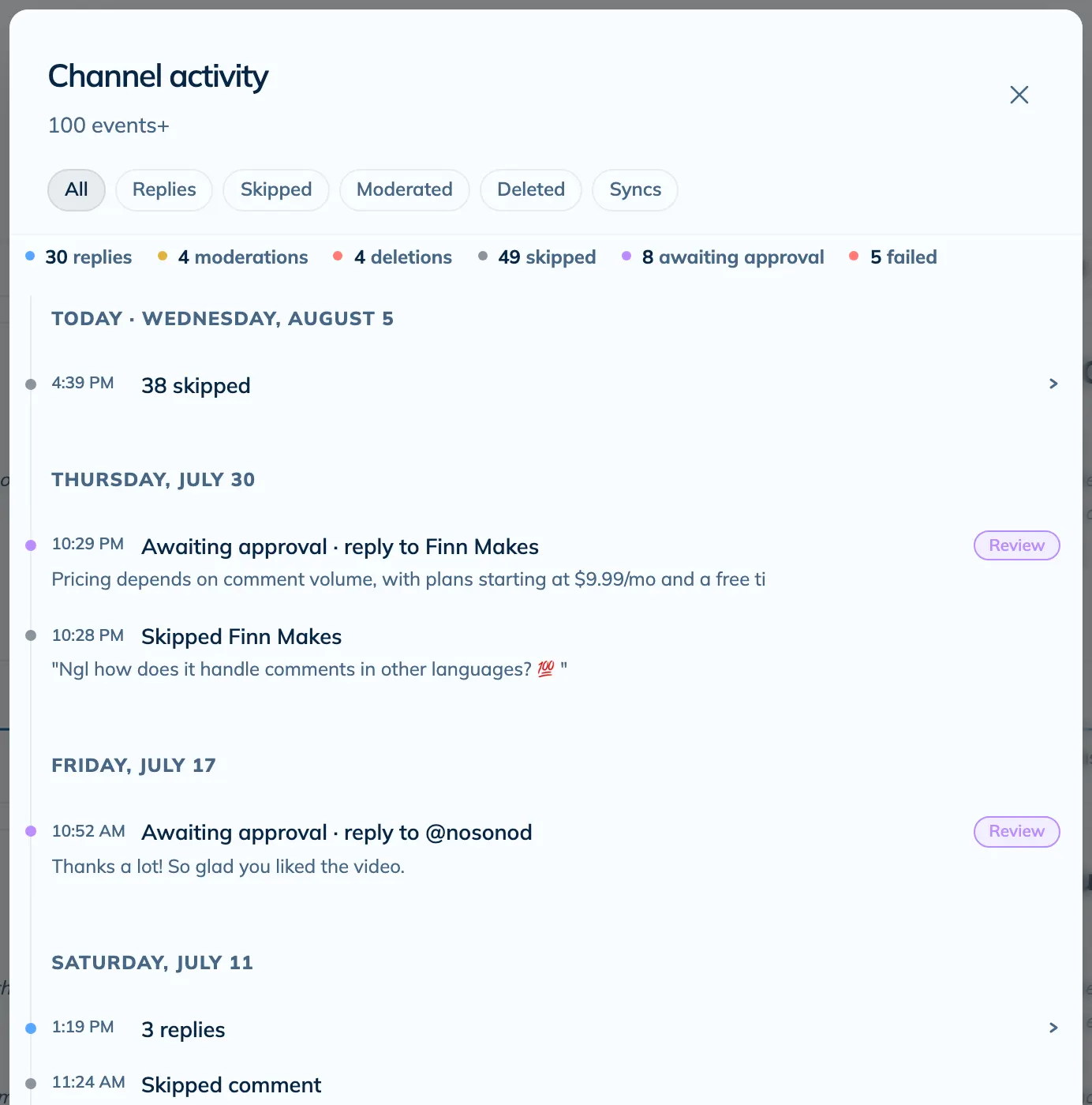
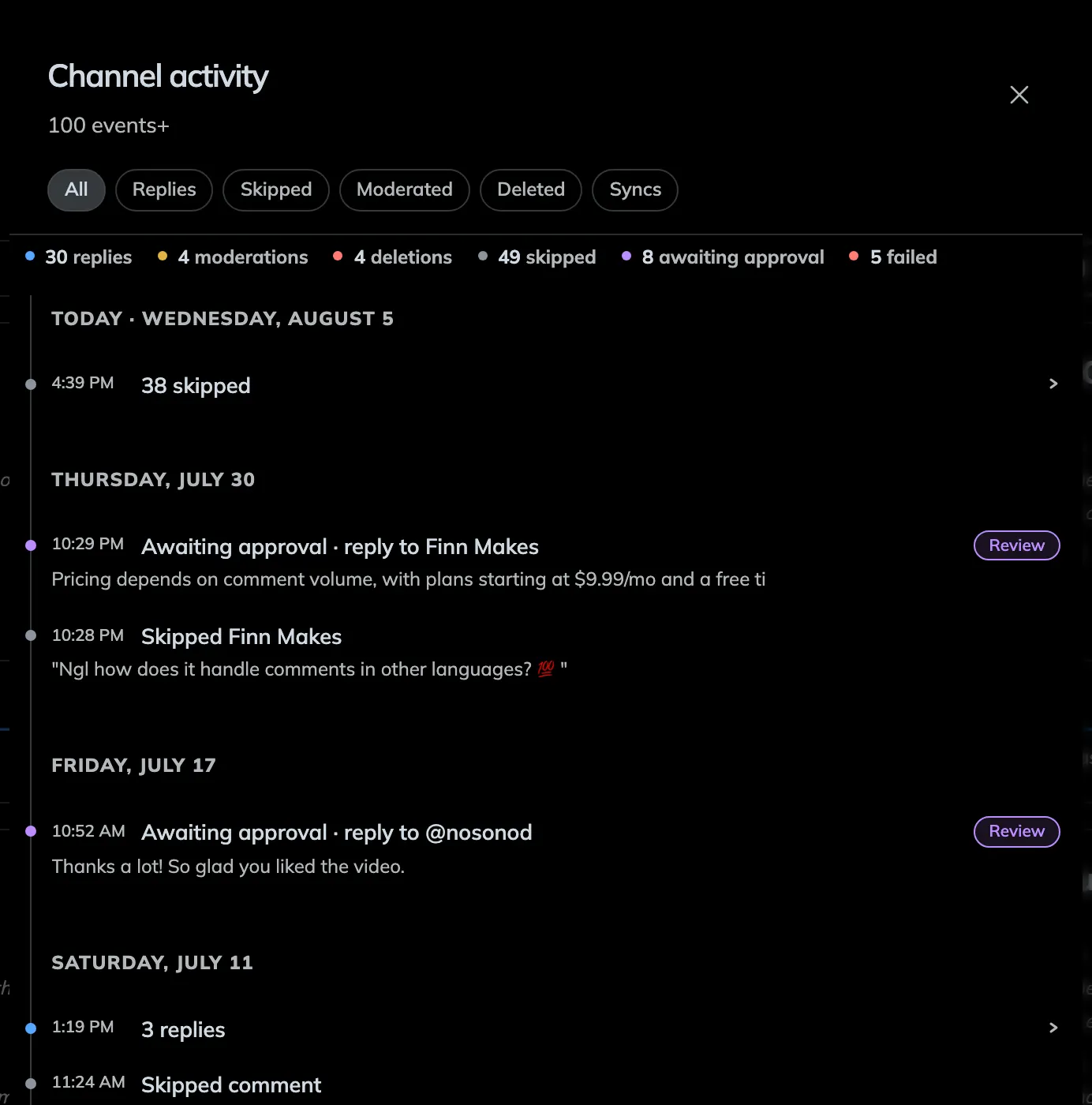
- Comments that matched nothing are logged as skipped, which is how you spot a rule that is narrower than you thought.
- Failed actions carry the reason, usually a permission or a comment that was deleted on YouTube before we got to it.
10. See the bigger picture in Analytics
Open Analytics and choose a date range to see your channel report. Start with actions completed, replies posted, and estimated time saved, then scroll down to see which rules are doing the work and how your approval queue is moving.
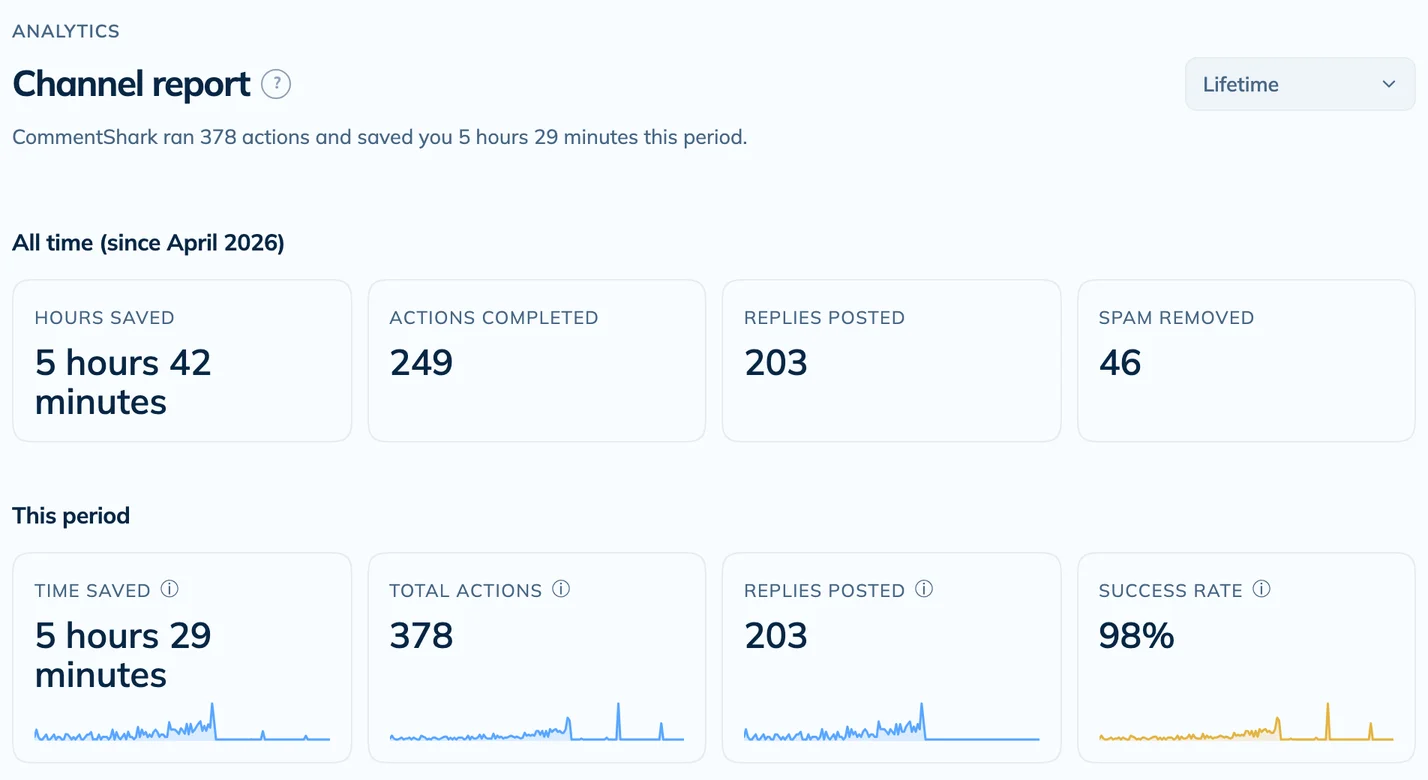
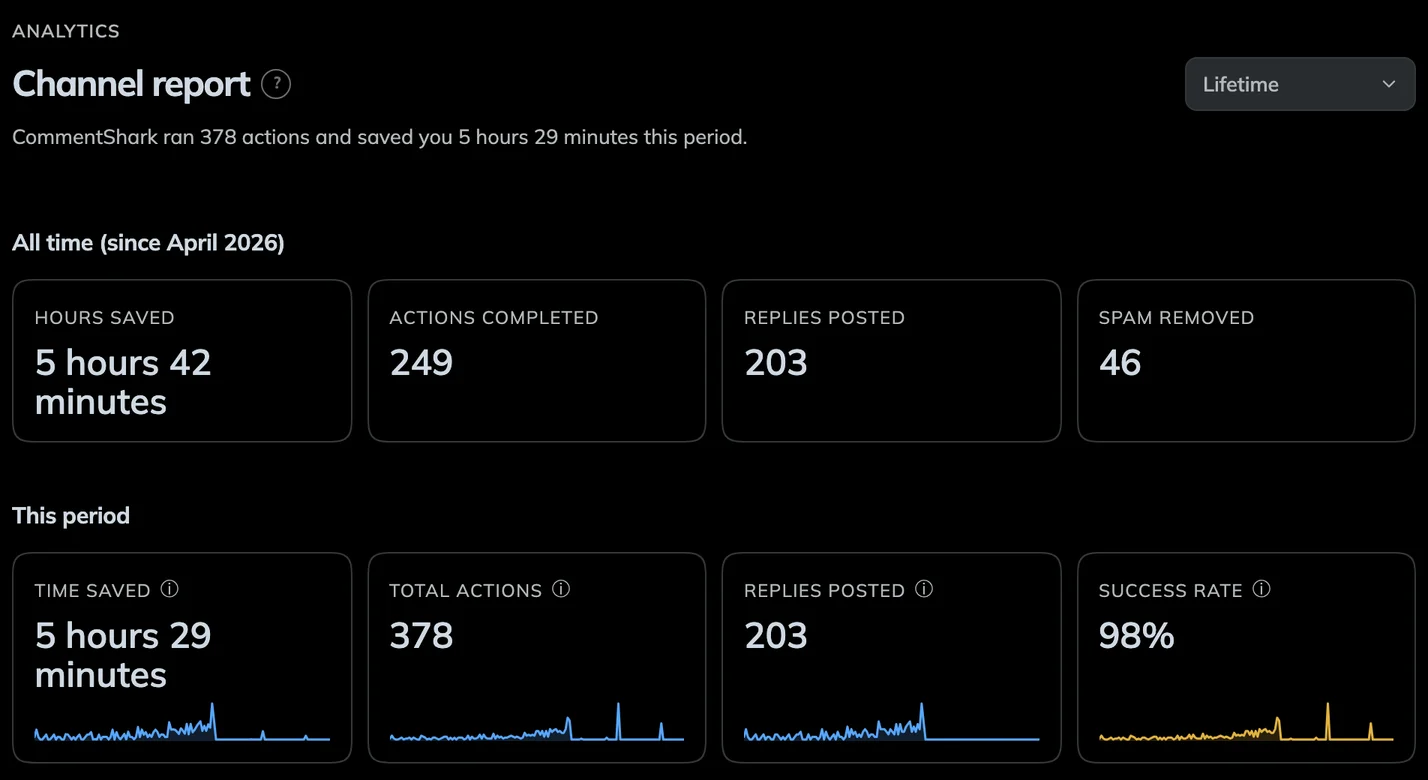
- Use the same date range when comparing results. The all-time totals stay separate from the selected period.
- Time saved is an estimate based on completed actions. The Activity feed is where you check an individual result.
That's the whole loop
One rule live, tested, and reporting into your activity feed. Most people build two or three more in the first week: one for the question they always get, one for spam, and one that just emails them when a real lead turns up.
Go deeper
- How rules work, in depth. Every match type, action, and run mode, plus follow-up rules for multi-step conversations.
- Sentiment insights. Track how your audience feels over time and catch a bad reaction early.
- All features. Guides for everything else CommentShark does.