Automate your YouTube comments?
A beautiful cloud is a great hook. Comment Assistant turns the actual conversation work like replying, moderating, and routing into a repeatable workflow for creators and teams.
Free plan available. Connect a channel when you are ready.
YouTube comment word cloud examples
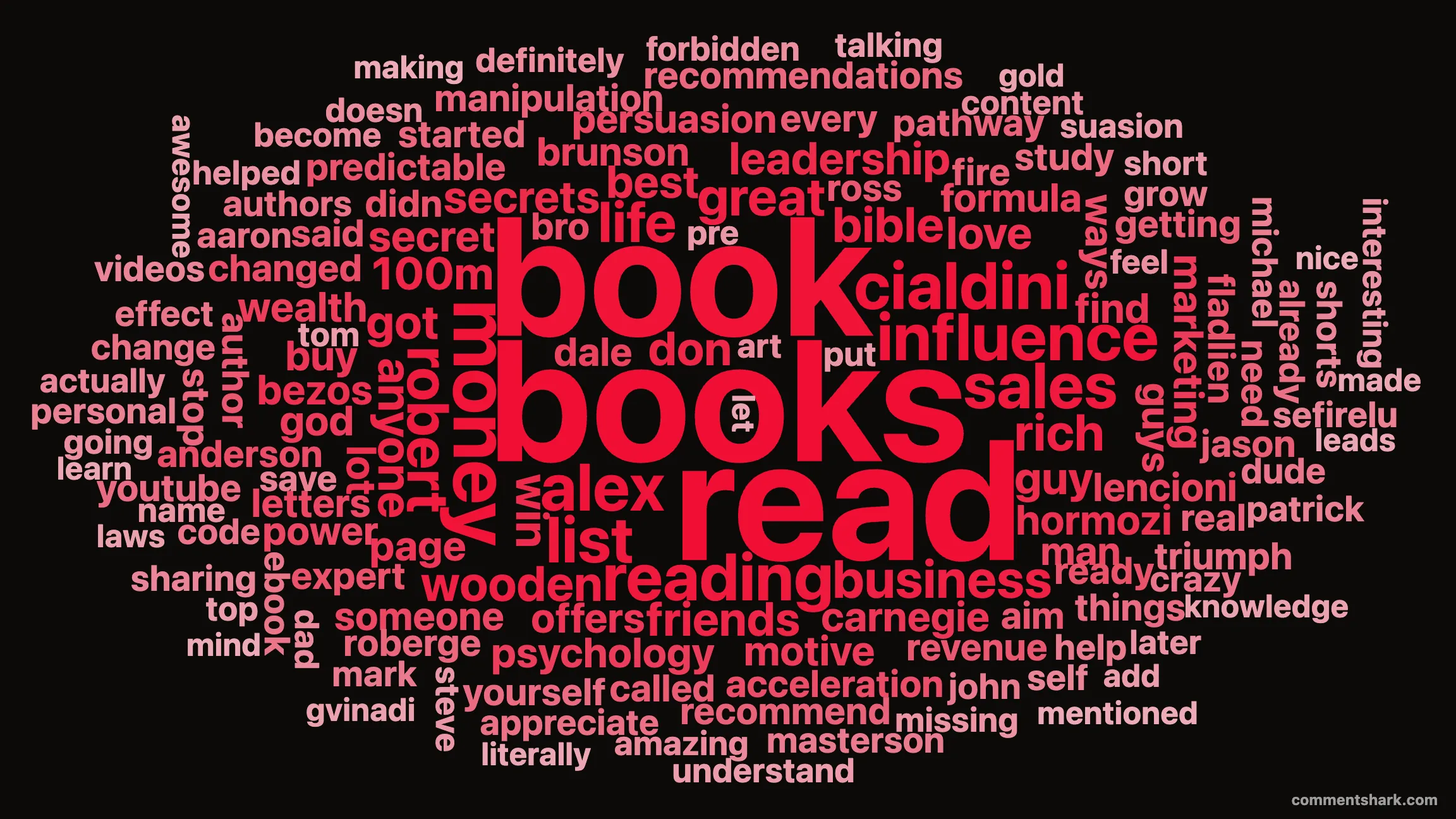
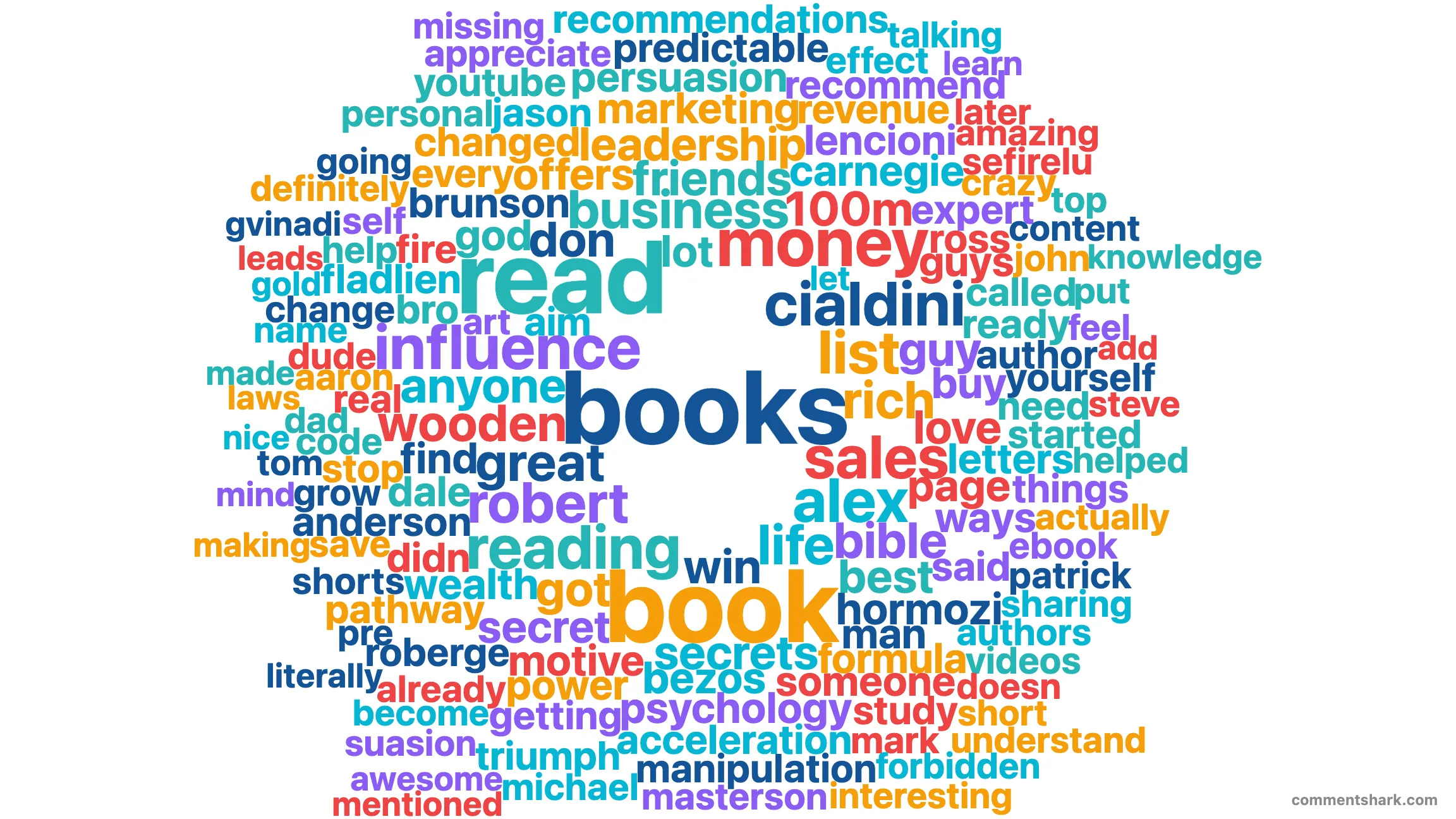
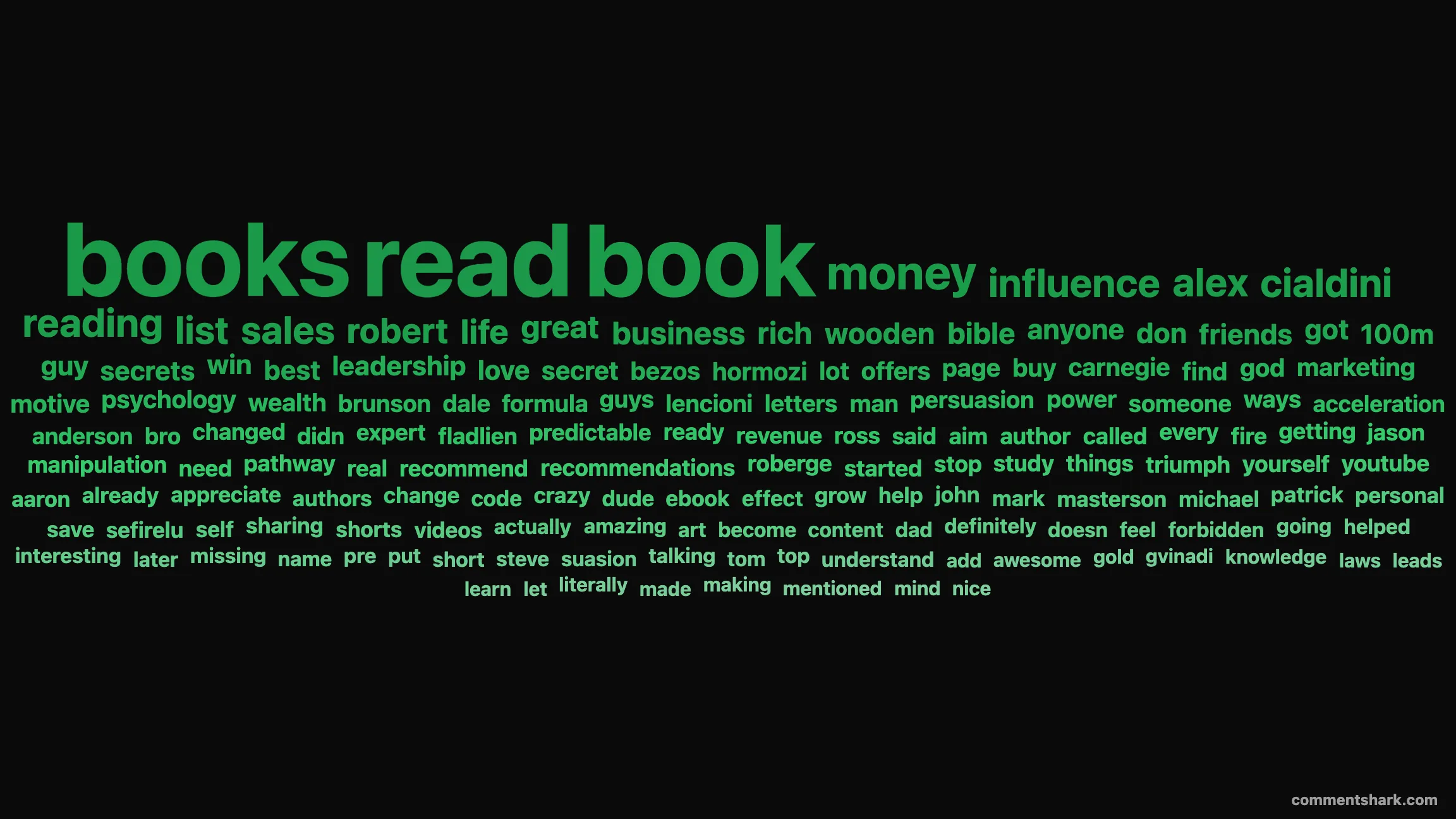
Same comment data, three different visual treatments. Each example below was generated with this tool, then downloaded as a PNG. Layouts and colors are switchable in two clicks.
How to generate a YouTube comment word cloud
- Copy a YouTube video URL from the address bar of any video.
- Paste it into the input above. The cloud builds automatically once the video metadata loads.
- Pick one of four layouts: Spiral, Rings, Grid, or Drift, to change how the words are arranged.
- Choose 16:9 wide or 1:1 square, set a custom color or background, and tune the font scale.
- Right-click the cloud to copy or save the image using your browser's native menu, or click Download PNG for a watermarked file. Use the Shareable card section for a version with the video thumbnail and channel handle baked in.
Why a word cloud of YouTube comments is useful
Comments are the rawest signal you have about how an audience reacted to a video. The most-repeated nouns, names, and reactions tell you what stuck: which examples landed, which guests got recognized, which jokes earned a callback, which products got mentioned. A frequency-ranked word cloud surfaces all of that at a glance, far faster than scrolling thousands of comments by hand.
The four layouts are not gimmicks. Grid is the most readable for screenshots of long phrases, Rings is the most balanced for social previews, Spiral is the iconic Wordle look that reads well at thumbnail size, and Drift gives you a less symmetric option that feels more editorial. Each is computed client-side, so switching is instant.
How creators, marketers, and journalists use this tool
The same word cloud answers very different questions for different users:
For creators auditing their own videos
Run the cloud against your last few uploads to find the words your audience uses to describe the content. Those exact words are gold for the next title, thumbnail headline, or short's caption. If a recent video's top words are mostly emotional reactions ("love", "crazy", "wow") you have a hit-by-vibe. If they're subject nouns ("tutorial", "router", "recipe") you have a hit-by-search-intent. Both are useful but call for different next moves.
For brand and creator marketers
Audit any creator before sponsoring. The word cloud of their last viral video tells you what their audience cares about in their own words. Pair it with the YouTube Engagement Heatmap to see whether engagement is durable or already cooling. Together the two views answer "is this audience real, engaged, and talking about things adjacent to my product?" better than vanity metrics like view count or subscriber growth.
For journalists and researchers
Paste a trending video URL and instantly see the language of the comment section. For coverage of viral moments, controversies, or consumer reactions, the cloud is a fast read on tone and topical themes. The top-words histogram below the cloud gives you exact counts you can quote directly.
For agencies pitching creator deals
Drop the shareable card into a pitch deck. The thumbnail, channel handle, and word cloud tell the story of the audience in one image. It's far more compelling than a screenshot of the raw comment list.
Word clouds as cheap audience research
The hard part of audience research isn't collecting data, it's finding the time to read it. A YouTube creator with even modest reach gets thousands of comments per video, and the best signal is buried in repetition: the same words, said by different people, about specific moments or ideas. A word cloud is a 30-second filter for that signal.
Three signals to read off any cloud:
- Sentiment cluster. Words like "love", "hate", "cringe", "based", or emotional intensifiers tell you the dominant reaction. If your cloud is mostly emotional, the video resonated viscerally.
- Topic cluster. Subject nouns like product names, technical terms, or proper nouns of guests/brands tell you what your audience is actually talking about. Useful for naming follow-up content.
- Question cluster. Words like "how", "why", "where", paired with subject nouns, signal unmet curiosity. Each question word in the top 20 is a potential follow-up video.
For brand teams, this is the cheapest qualitative research method you have: a creator with 100k subscribers gets a clearer signal about their audience than most paid focus groups, and the word cloud surfaces it without you reading a single comment by hand.
How the data is collected
This tool calls the public YouTube Data API to fetch up to 2,000 of the most recent comments on the video you paste in. We strip URLs, HTML tags, emoji, and a stopword list spanning English, Spanish, Portuguese, French, German, and Italian, then rank the remaining words by frequency. The top 150 are placed into the cloud; the top 20 are also shown below as a labeled bar histogram with exact counts.
The cloud renders directly to an HTML canvas using a port of Jonathan Feinberg's Wordle algorithm (pixel-level sprite collision via Uint32Array-packed bitmaps), so glyph descenders and ascenders interlock for tight, gap-free packing. Rendering is fully client-side. There is no login, no account creation, no third-party tracking on the tool itself, and the browser never sends comment text to a third party.
Limitations to be aware of. Deleted and shadow-removed comments are not visible to the API, so the cloud reflects what is currently public. Videos with comments disabled return an empty cloud. The 2,000-comment cap covers most videos entirely, but very large videos will hit the cap and the cloud will reflect only the most recent 2,000 comments at that point in time.
How this compares to generic word cloud generators
Most online word cloud generators want pasted text. To use one for YouTube comments, you'd have to scroll the comment section, copy each one, paste them into a single text box, and only then get a cloud. For a video with thousands of comments, that's not realistic.
This tool skips that step entirely: paste the URL, get a cloud built from the actual comment payload pulled from YouTube's public API. It also strips YouTube-specific noise (timestamp links, @-mentions of channels, repost markers, embedded HTML) that generic generators leave in. The end result is a cloud that's actually about the video, not a cloud full of noise tokens.
The shareable card output is also a meaningful difference. Generic generators give you a transparent PNG of words; you have to compose the social post yourself. This tool produces a ready-to-share image with the video's thumbnail, title, and channel handle pre-composed at the right OG and Instagram aspect ratios, watermarked, and downloadable in one click.
Want a word cloud of all comments across an entire channel and filter by video? Sign in. Channel-wide clouds are coming soon for logged-in users.
Frequently asked questions
Is this YouTube comment word cloud tool free?
Yes. The tool is free, requires no login, and runs entirely in your browser. The cloud is built from up to 2,000 of the most recent public comments on the video you paste in.
Does it work on YouTube Shorts?
Yes. Any public YouTube URL works, including Shorts, livestreams (after they end and comments are public), and regular long-form videos. If a video has comments disabled, the tool will tell you instead of silently producing an empty cloud.
Why are some words missing or smaller than I expected?
We strip stopwords (the, and, this, that...), URLs, HTML, emoji, pure-numeric tokens, and very short words (under three characters). If a word you expected is missing, it's likely been filtered as one of those. Switching to the Linear or Dramatic scale option weights bigger words more strongly relative to smaller ones, which can make outliers more visible.
Can I make the word cloud match my brand?
Yes. Pick the Single color mode, choose your brand color from the color wheel, and words render as a gradient of shades from that hue. You can also set the background to any custom color, or let it follow your site theme.
How is this different from a generic word cloud generator?
Generic generators want pasted text. This tool fetches comments directly from any public YouTube video, strips YouTube-specific noise like @-mentions and timestamp links, and produces a ready-to-share social card with the video thumbnail and channel handle baked in.
Can I share or embed the word cloud?
Yes. The page URL stores all your settings (video, layout, colors, scale, aspect) so a shared link reproduces the exact same cloud. The Shareable card download produces a PNG sized for social previews on Twitter/X, Facebook, LinkedIn, and Instagram.
What aspect ratio should I use for sharing?
Use 16:9 (Wide) for blog posts, Twitter/X, Facebook, and LinkedIn — that's the standard 1.91:1 OG card aspect platforms expect. Use 1:1 (Square) for Instagram feed posts. The Shareable card section produces both at native resolution (1200×630 for OG, 1080×1080 for Instagram).
Other free YouTube tools from CommentShark
Looking for more comment-related free tools? Try the YouTube Engagement Heatmap to see when viewers comment, YouTube comment viewer for keyword lookup, Random Comment Picker for giveaways, First Comment Finder for the oldest comment, or the Blocked Words List Builder for moderation. All free, all browser-based, all built for creators who want real data instead of vanity metrics.